
What's Inside a Laruus Model Archive
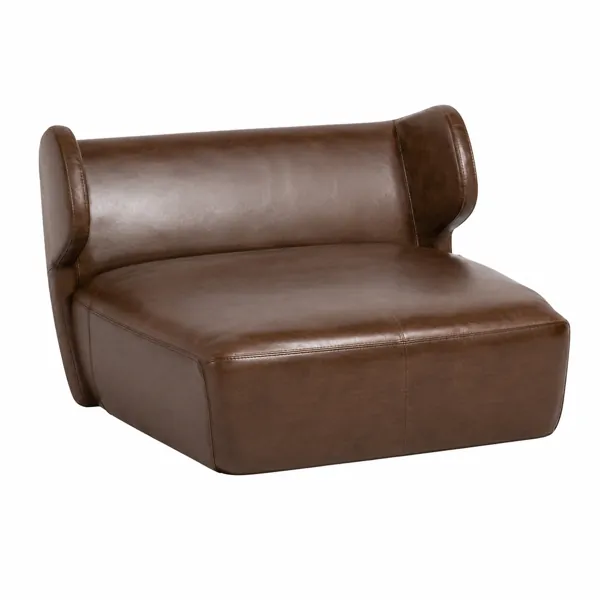
Before you spend credits on a model, it helps to know exactly what lands on your disk. Here is what a Laruus model archive contains and why it is packaged the way it is.
The source scene
Every model is built and delivered as a 3ds Max scene. This is the working file — objects are named, materials are assigned and the geometry is organised so you can select a single component rather than one merged mesh. Where a product is offered for a specific renderer, the materials are already configured for it rather than converted automatically.
Corona and V-Ray materials
Most of the catalogue ships with Corona Renderer materials, and a portion with V-Ray. The difference matters more than it seems: an automatic conversion between the two usually survives the diffuse colour but loses the subtleties in reflection and refraction, which is precisely where the realism lives. The renderer a model was authored for is listed on its product page under file types.
Interchange formats
Alongside the source scene, models are exported to formats that open in other software: FBX for animation and game pipelines, OBJ with its MTL companion for near-universal compatibility, and 3DS for legacy workflows. These carry geometry and UVs reliably. They do not carry renderer-specific material settings — no interchange format does — so expect to rebuild materials when you move to Blender, Cinema 4D or Unreal.
Textures
Texture maps are included with the archive rather than linked externally, so the material does not break when you open the file on another machine. If you relocate the archive after unpacking, use your software's asset tracking to re-point the paths rather than reassigning maps by hand.
The 360 preview is a separate file
Products with a 360 View button on their page have an additional GLB file used only by the browser viewer. It is a compressed, web-optimised version of the model — good enough to judge proportion and form before buying, but not the file you should render with. The downloadable archive is always the full quality source. This separation is deliberate: the preview is measured in megabytes so the page loads quickly, while the source archive can be hundreds of megabytes.
Scale and orientation
Models are built at real-world scale in centimetres, sitting on the world origin with Z up. When something imports at the wrong size, the usual cause is a unit mismatch in the receiving application rather than the model itself. Checking your system units before import saves a lot of rescaling later.
You can see the exact formats, file size and upload date on each product page before downloading, and every texture and model in the catalogue is produced in house by Laruus.
188
Related assets from the catalogue
Ready-to-render models and seamless textures covering what this article discusses.
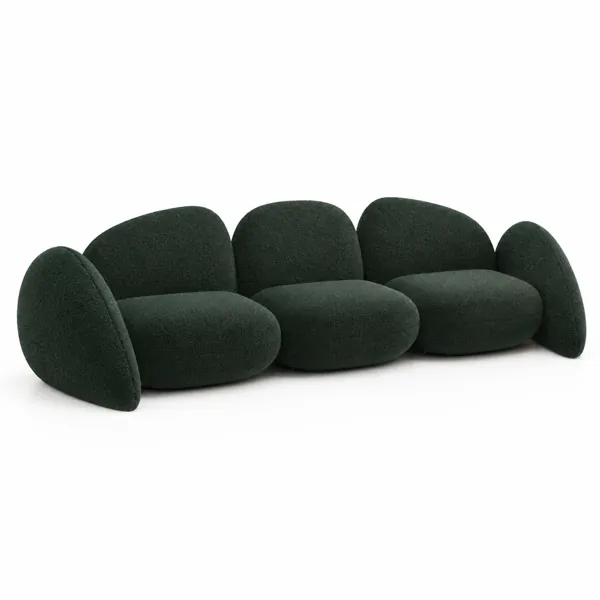
Deep Green Pebble Modular Sofa
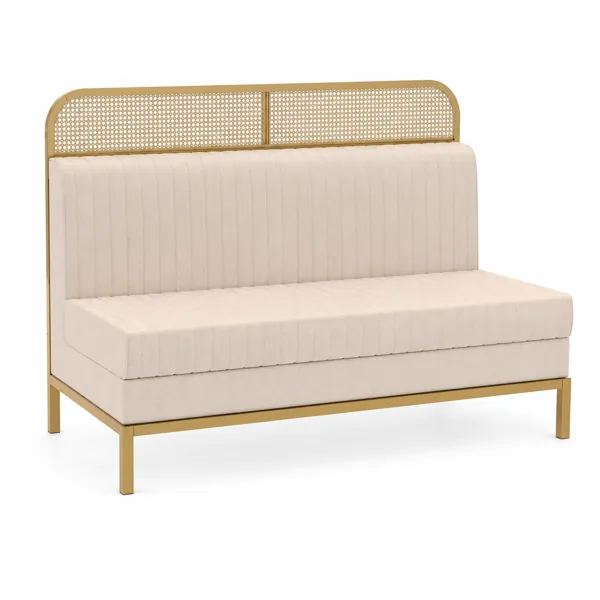
Beige Channel Sofa with Gold Cane Frame
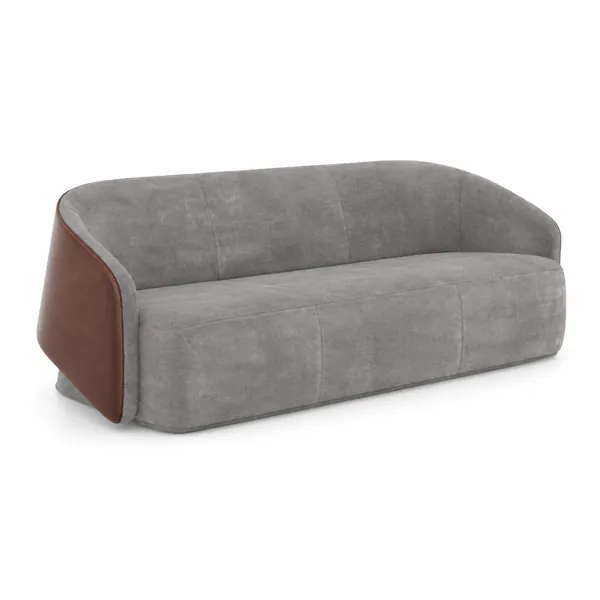
Gray Curved Sofa with Brown Leather Side Panels
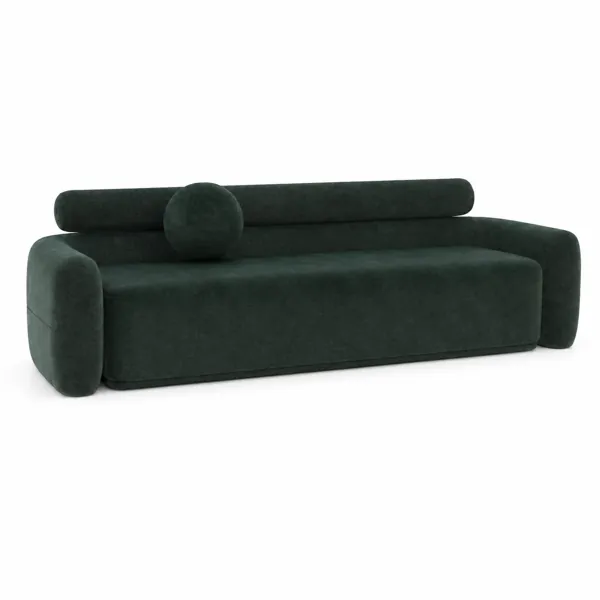
Deep Green Bolster Back Minimalist Sofa
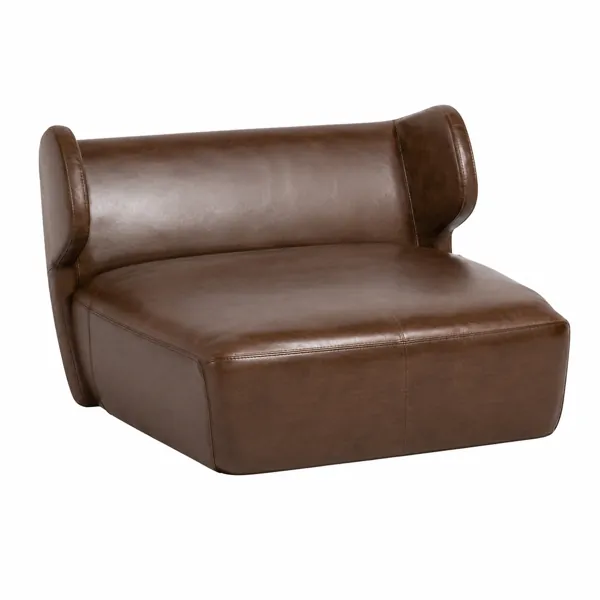
Brown Curved Leather Lounge Chair 3D Model
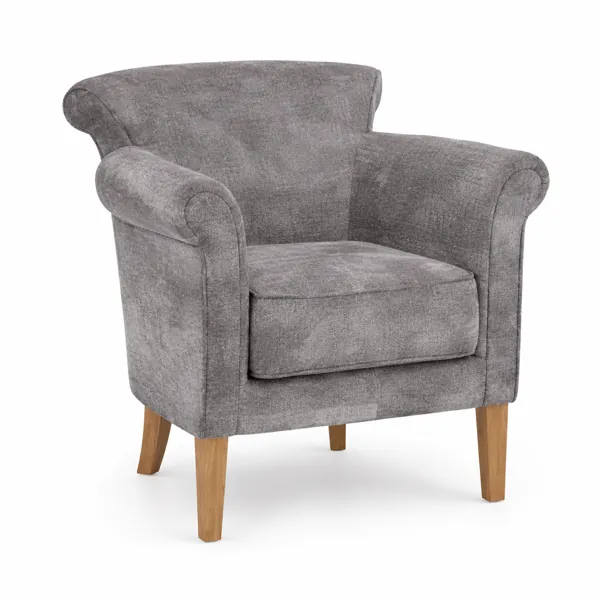
Light Gray Fabric Armchair with Wooden Legs 3D Model
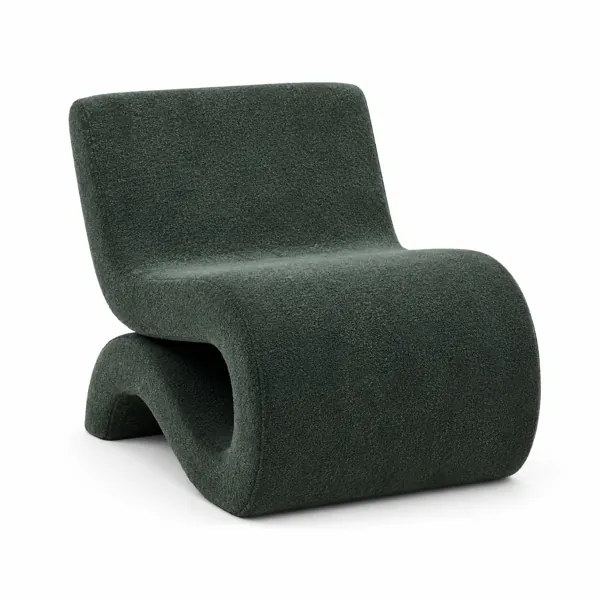
Dark Green Bouclé Sculptural Lounge Chair 3D Model
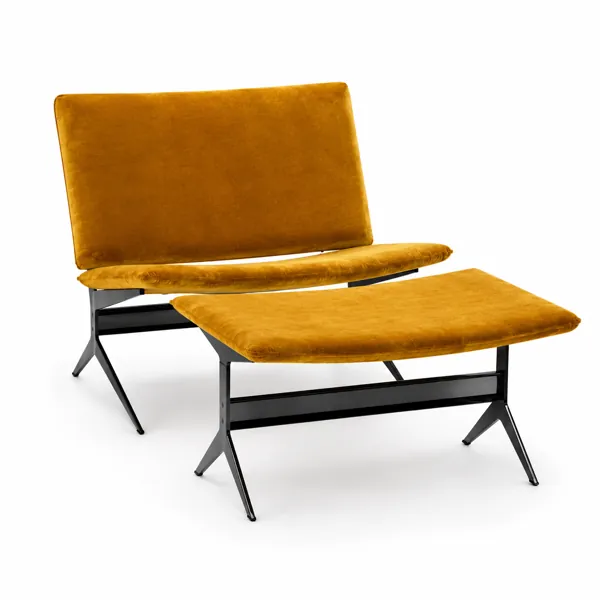
Modern Mustard Velvet Lounge Chair with Ottoman 3D Model