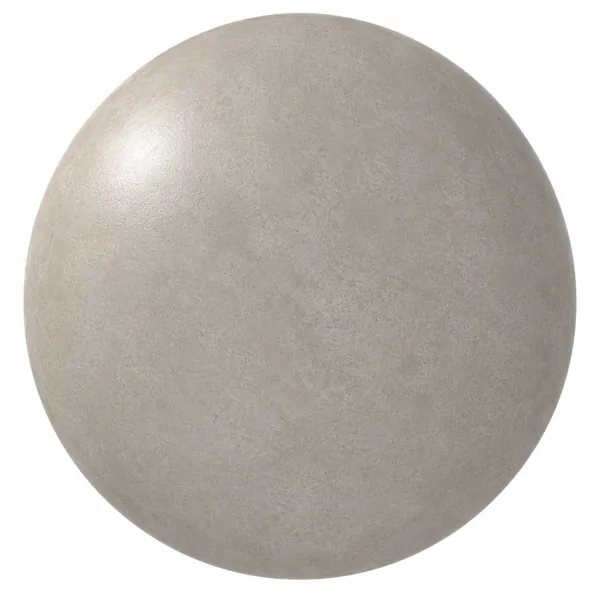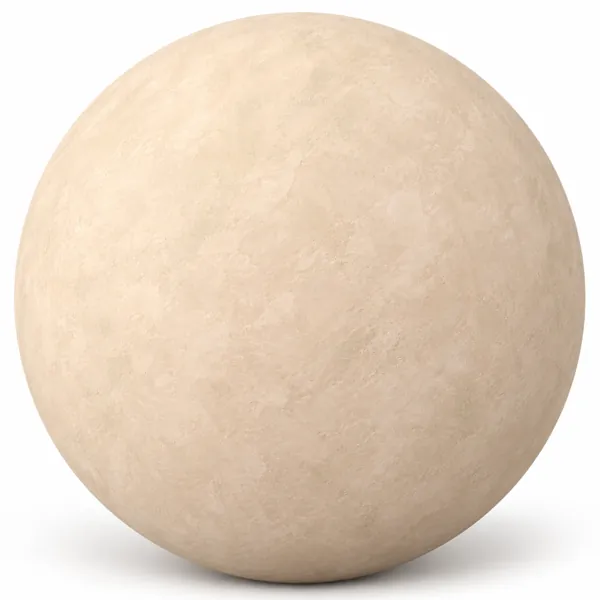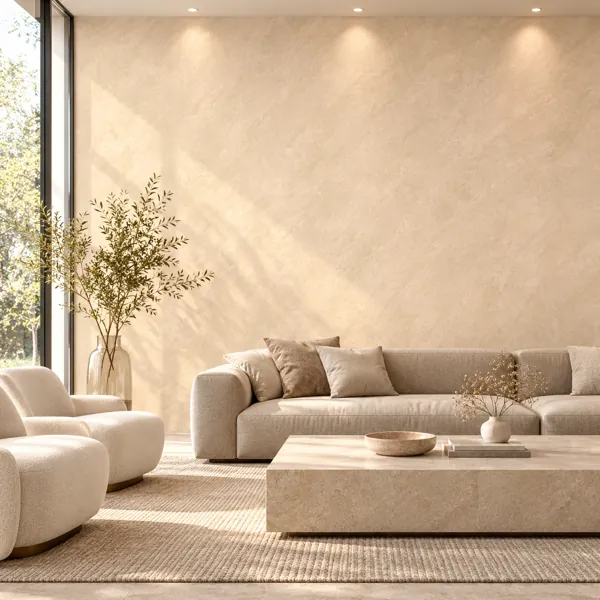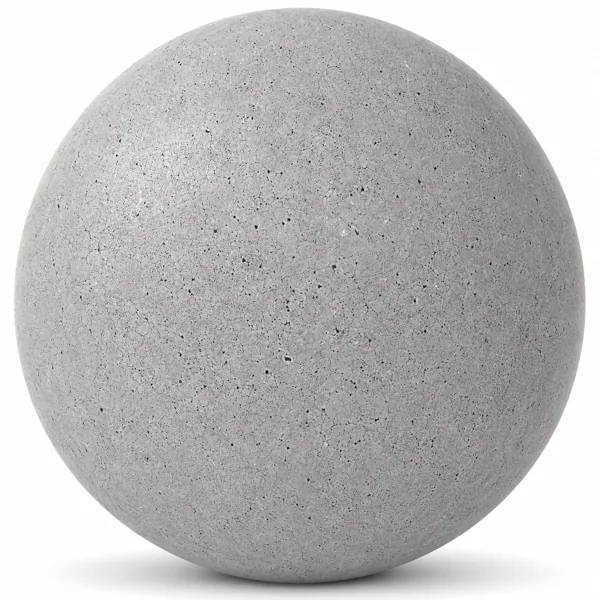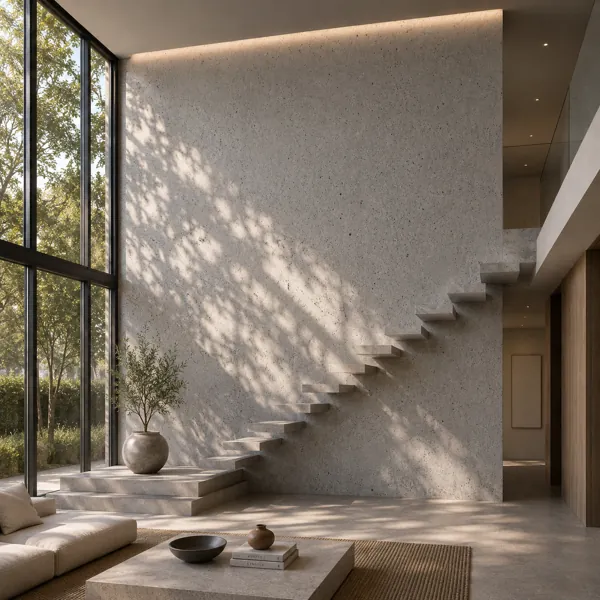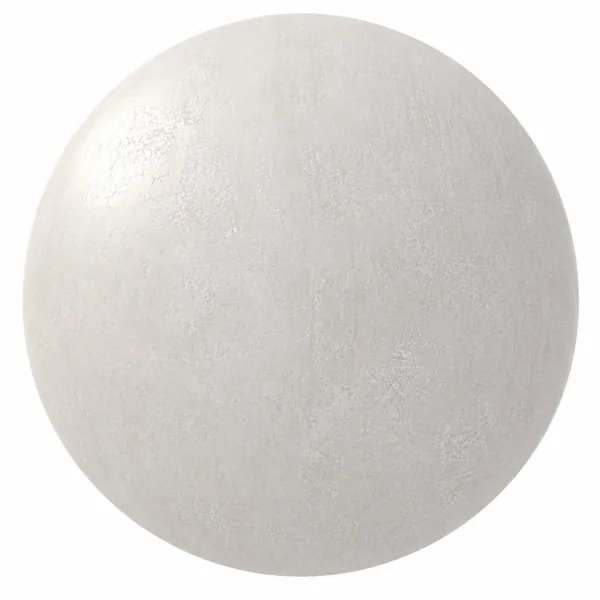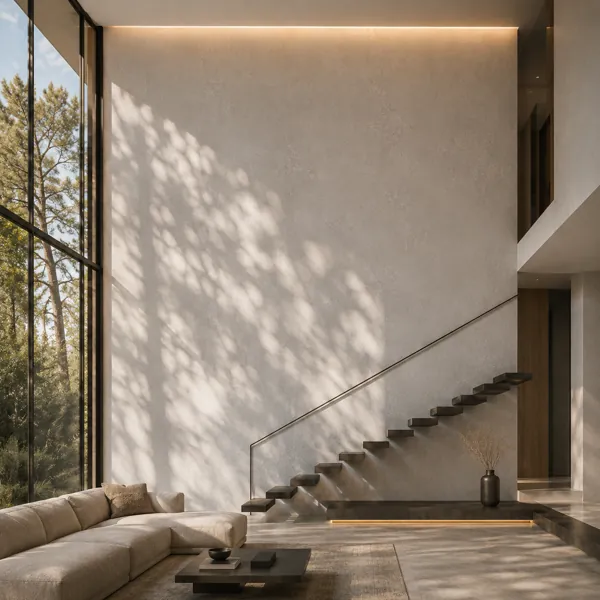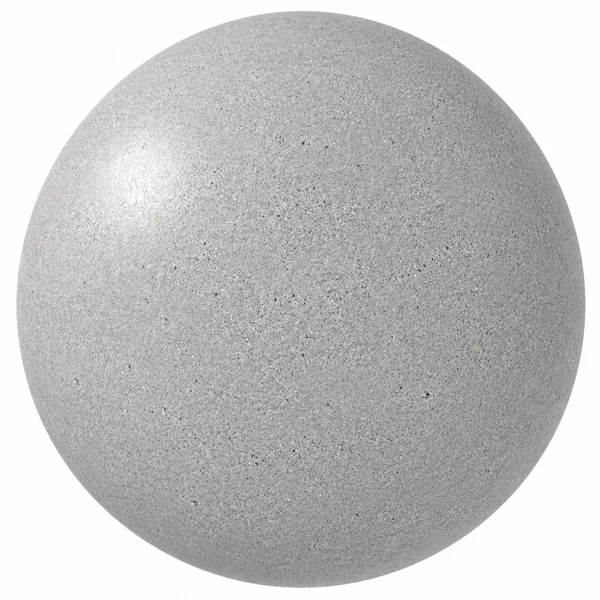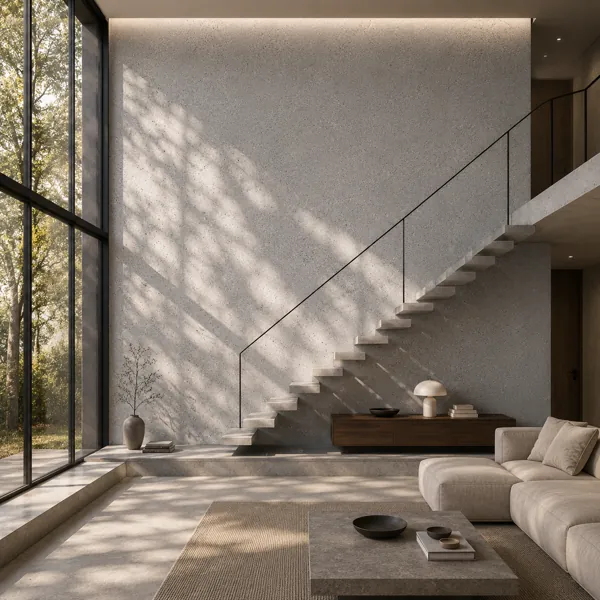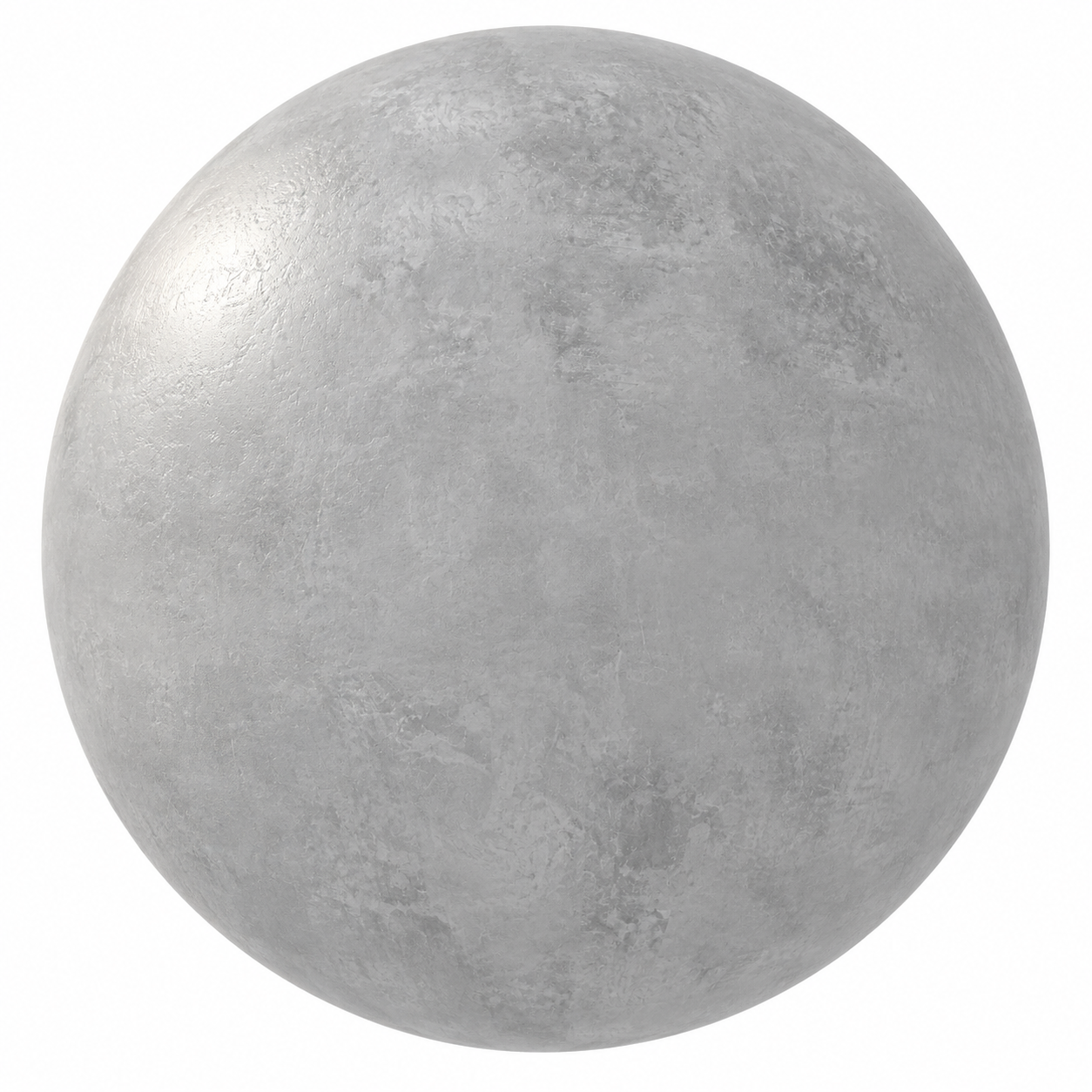
Cool Light Gray Mottled Concrete Texture
Concrete No. 00030
FREE
The downloadable file for this product is not available yet. No credits will be charged.
Specifications
- Brand
- Laruus
- Style
- Modern
- Material
- Concrete
- Suitable spaces
- Living Room, Bedroom, Office, Cafe, Commercial, Kitchen, Garden, Outdoor, Entrance, Balcony
- Color
- Gray
- File types
- Albedo MapAlpha MapAO MapBump MapDiffuse Color MapEdge MapEmission MapHeight MapMetallic MapNormal MapPacked Texture MapRoughness Map
Cool Light Gray Mottled Concrete Texture - High Resolution Seamless PBR Textures
Description
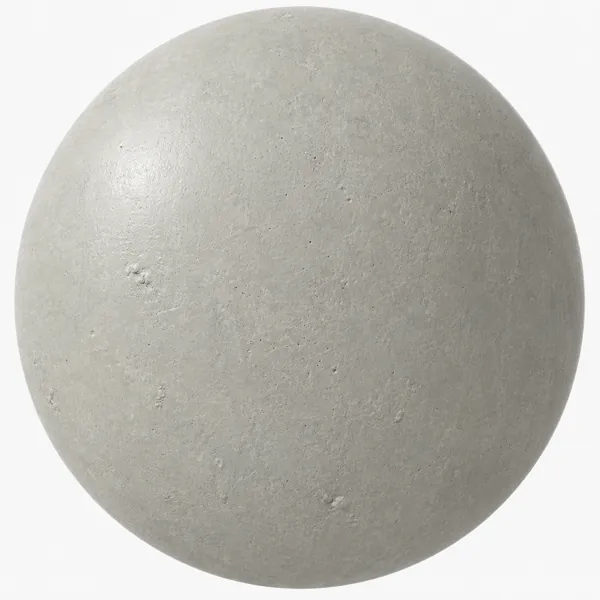
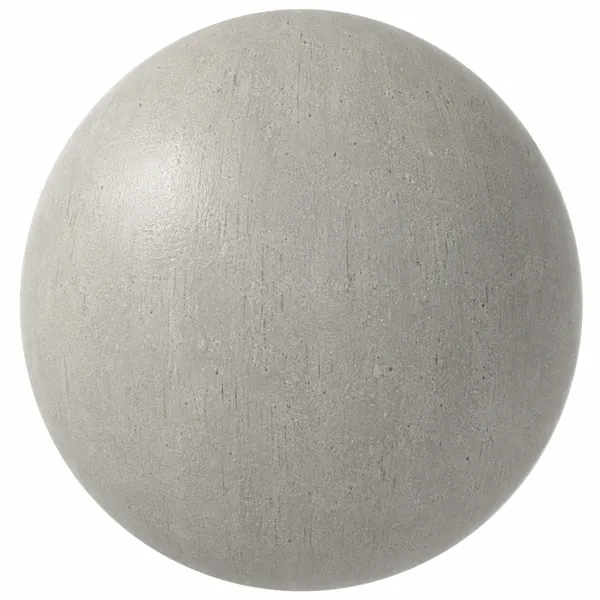
The Cool Light Gray Mottled Concrete Texture features a pale, cool gray surface defined by soft cloudy variation, irregular trowel-like markings and restrained tonal movement. Rather than presenting a perfectly uniform cement finish, the texture displays overlapping areas of lighter and darker gray that create a naturally worked appearance. Subtle directional strokes, diffuse patches and softly blended surface marks give the concrete a contemporary architectural identity without introducing pronounced cracks, large aggregate or aggressive weathering. Its understated pattern makes it suitable for modern and minimalist projects where concrete should remain visually present while supporting a calm overall composition.
The visible structure is predominantly fine and low contrast. Broad mottled regions are combined with smaller irregular marks and delicate surface variations, producing depth without making the material appear excessively rough. The image does not show oversized stones or terrazzo-style particles; instead, its character comes from layered gray tones and the impression of a hand-finished cement surface. Maintaining an appropriate physical scale is important when applying the texture to Geometry, particularly across large walls or floors. Correct Mapping allows the cloudy variation to remain believable and prevents the finer marks from becoming disproportionately large.
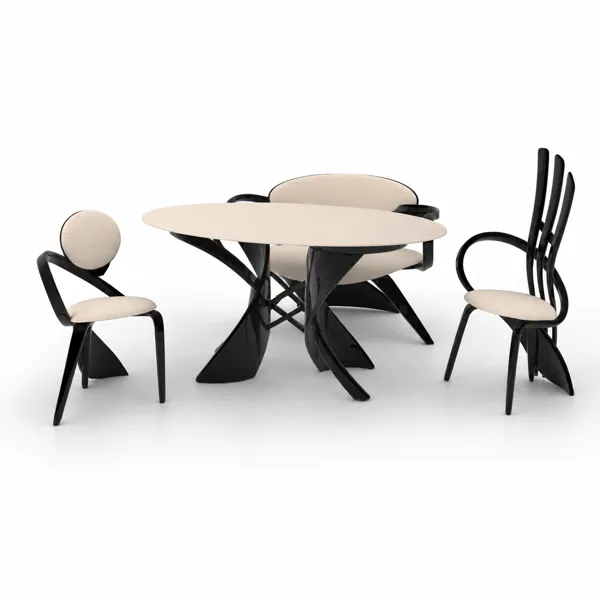
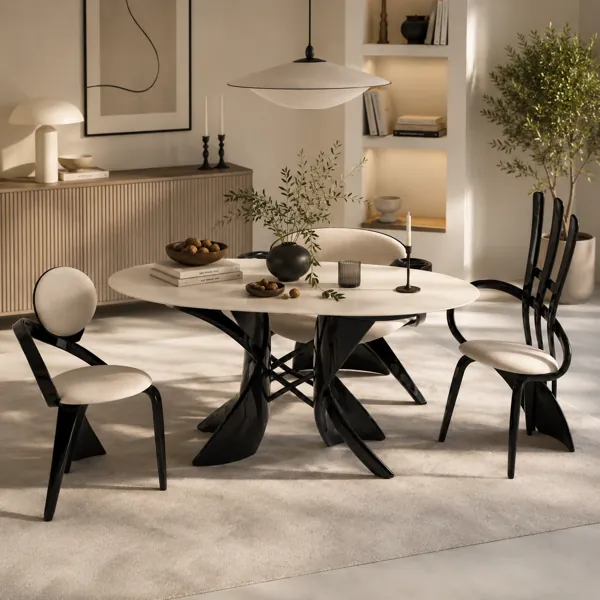
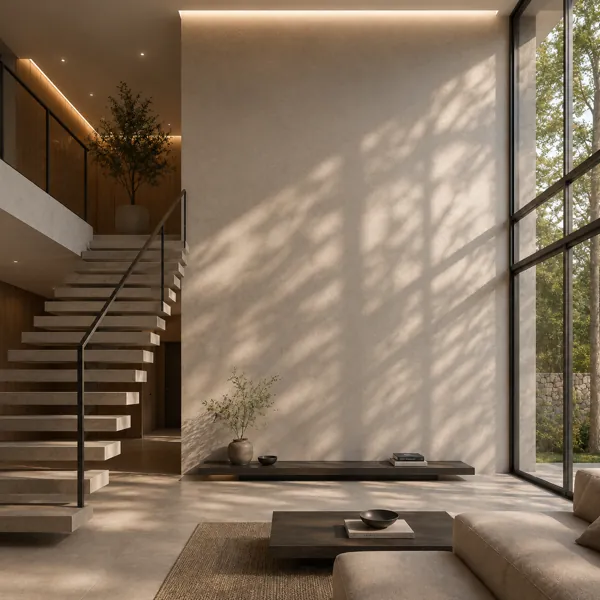
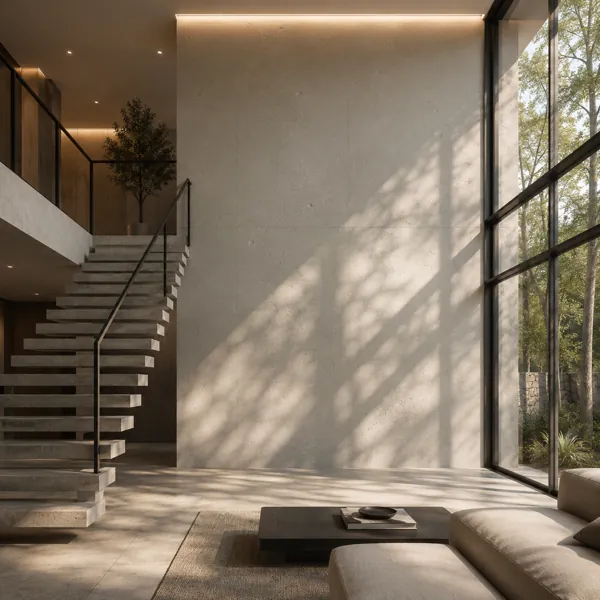
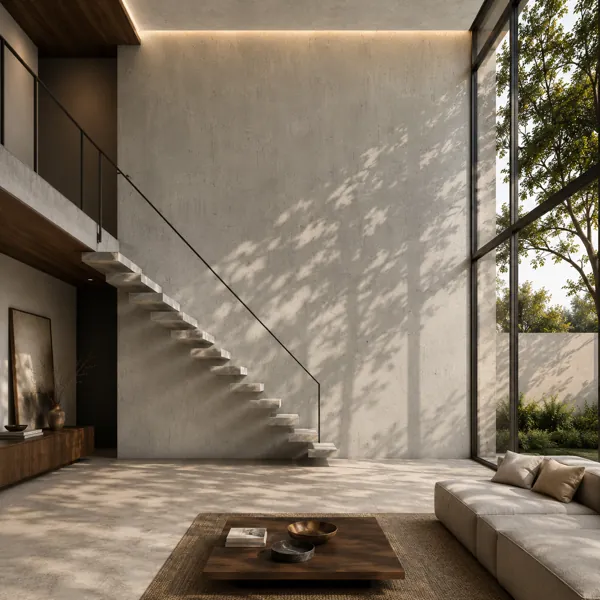
This light gray concrete surface can work across Living Room, Bedroom, Office, Cafe, Commercial, Kitchen, Entrance and Balcony environments, as well as selected Garden and Outdoor architectural applications. It is particularly effective on feature walls, structural volumes, contemporary stair surrounds, reception areas, retail interiors, kitchen architectural surfaces and minimalist residential spaces. The neutral gray palette can be combined with Wood for warmth, dark Metal for sharper architectural definition, Glass for lighter compositions and Stone for layered mineral material schemes. Beige or neutral Fabric furnishings can also provide a softer contrast against the cool concrete background.
Within archviz and CGI workflows, the mottled pattern helps large surfaces avoid the flat appearance associated with a single uniform gray material. The variation can remain visible in wide architectural views while finer surface information becomes more noticeable in medium and close camera positions. This makes the texture useful for interior visualization, exterior studies, product staging environments and architectural material presentations. The supplied file set includes Albedo Map, Alpha Map, AO Map, Bump Map, Diffuse Color Map, Edge Map, Emission Map, Height Map, Metallic Map, Normal Map, Packed Texture Map and Roughness Map, providing multiple map types for compatible material workflows.
From an interior design perspective, the cool light gray coloration creates a versatile foundation for contemporary palettes. Warm timber, blackened Metal, muted upholstery, pale Stone and clear or smoked Glass can be introduced without competing with the concrete's irregular surface character. Natural daylight can reveal the cloudy tonal transitions gently, while directional lighting can emphasize selected trowel-like marks and micro-surface changes. On a large uninterrupted feature wall, the diffuse mottling can become an architectural element in its own right without relying on bold patterning or strong color contrast.
When configuring the material in 3ds Max or another compatible 3D workflow, Mapping should preserve a consistent scale across adjoining surfaces. Bump Map, Normal Map, Height Map and Roughness Map influence should be adjusted according to camera distance, lighting and the chosen Renderer rather than exaggerated. Excessive displacement or bump strength could make the subtle worked finish appear unnaturally coarse. Balanced shading, realistic roughness and controlled illumination will help retain the light gray tone, soft mottling and nuanced surface character visible in the reference.
Frequently asked questions
Is this texture free?
Yes. You can download it with a free Laruus account. Free textures are limited to 5 downloads per day.
Which software can I use this texture in?
The maps are standard image files, so they work in any renderer with PBR materials, such as Corona or V-Ray in 3ds Max, Blender, SketchUp with V-Ray or Enscape, and Unreal Engine.
Which spaces is it suitable for?
It suits Living Room, Bedroom, Office, Cafe, Commercial, Kitchen, Garden, Outdoor, Entrance, and Balcony projects. Style: Modern.