
PBR Texture Maps Explained: What Each Map Actually Does
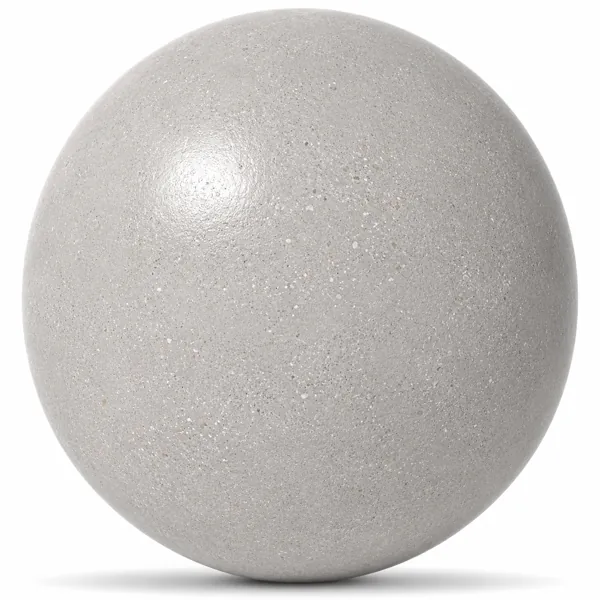
Open a texture set and you get a folder of images with names like albedo, normal, roughness and AO. Most guides explain what they are called. This one explains what happens in your render when you get each one wrong.
Albedo — the colour, and nothing else
Albedo is the base colour of the surface with lighting information removed. That last part is what people miss. If your albedo map has baked shadows or highlights in it, those will fight the lighting in your scene and the material will look flat and dirty no matter how you light it. A correct albedo of dark wood looks surprisingly flat and dull on its own — that is the point.
Normal — fake geometry that costs nothing
The normal map perturbs how light bounces off the surface without adding polygons. It is what gives you the grain of wood, the pores of leather and the grout depth in tile. Normal maps are the single highest impact map after albedo. If a material looks convincing in a closeup, the normal map is usually why.
Roughness — the map that decides realism
Roughness controls how sharply the surface reflects. Low roughness gives mirror-like reflections, high roughness gives diffuse ones. Real surfaces are never uniform: a floor has slightly glossier patches where it has been walked on less, a countertop is duller where it has been scrubbed. A constant roughness value is the most common reason a material reads as computer generated.
Metallic — almost always zero
The metallic map tells the renderer whether the surface is a raw metal. For wood, fabric, stone, ceramic and plastic this is zero. It matters because a metallic value of 1 completely changes how albedo is interpreted — the colour becomes the reflection tint rather than a diffuse colour. Setting metallic to something in between on a non-metal is physically meaningless and produces muddy results.
Ambient occlusion — contact shadows, used with care
AO darkens the crevices where light would struggle to reach. It adds depth to tile grout and fabric weave. But most modern renderers already calculate this, so applying a strong AO map on top double-darkens the surface. Use it subtly, or not at all when your renderer handles it.
Height and displacement — real depth
Where a normal map fakes depth, displacement actually moves geometry. This matters at silhouettes: a normal-mapped brick wall still has a perfectly straight edge when seen at a grazing angle, a displaced one does not. Displacement is expensive, so reserve it for surfaces that are close to camera or read against the sky.
Laruus texture sets are published with the maps listed on each product page, so you can see exactly what is included before you spend a credit.
202
Related assets from the catalogue
Ready-to-render models and seamless textures covering what this article discusses.
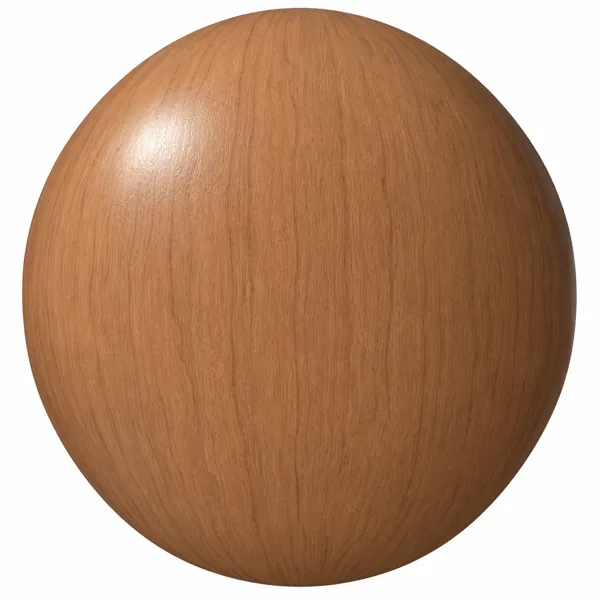
Warm Terracotta Brown Subtle Vertical Grain Wood Texture
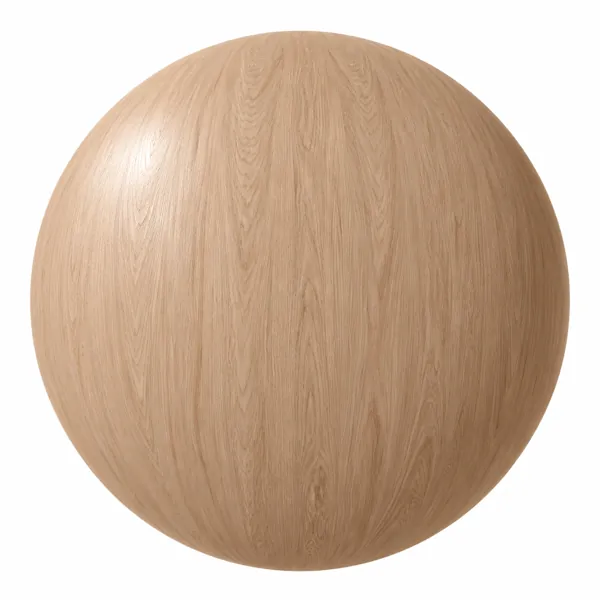
Warm Peach Beige Fine Grain Wood Texture
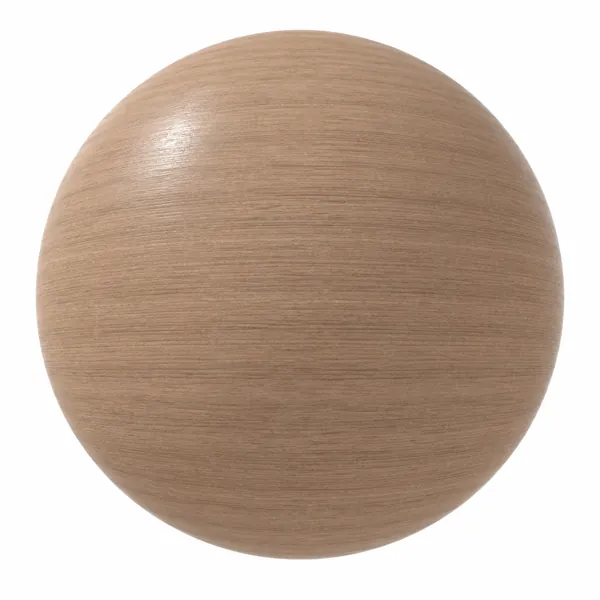
Light Taupe Fine Linear Grain Wood Texture
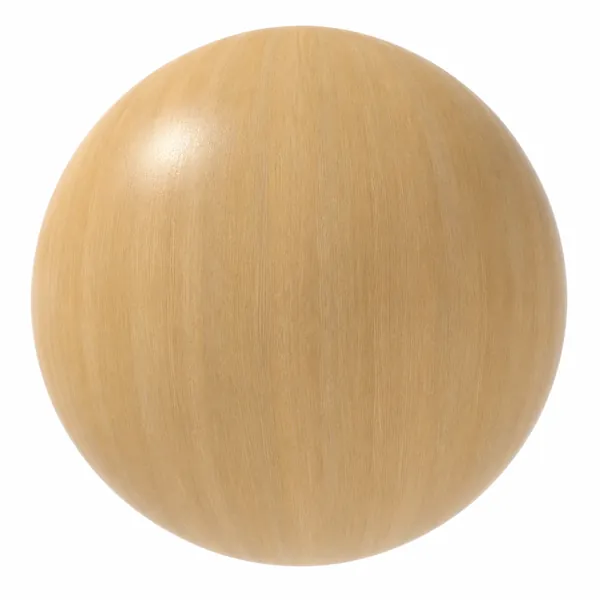
Light Golden Fine Linear Grain Wood Texture
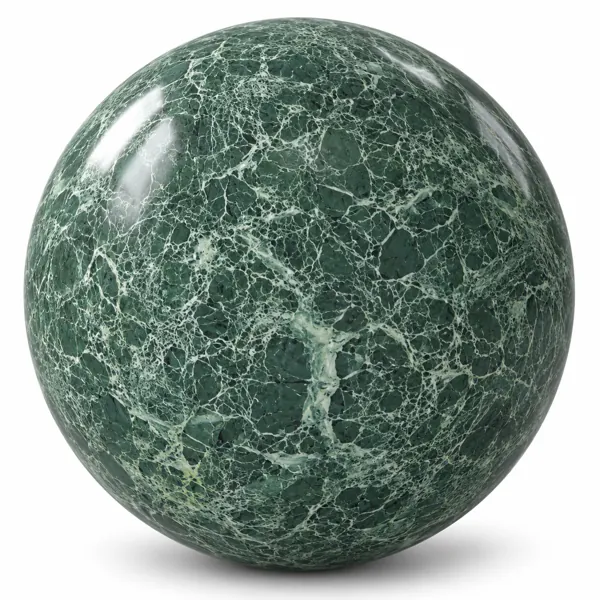
Deep Forest Green Web Vein Marble Texture
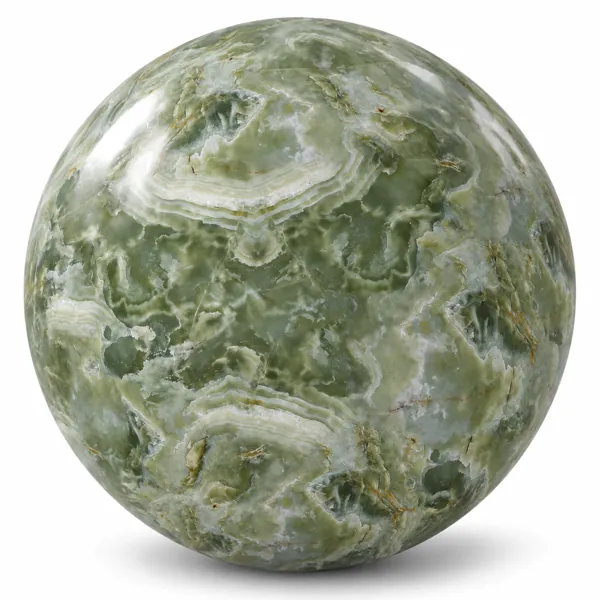
Sage Green Cloudy Banded Onyx Marble Texture
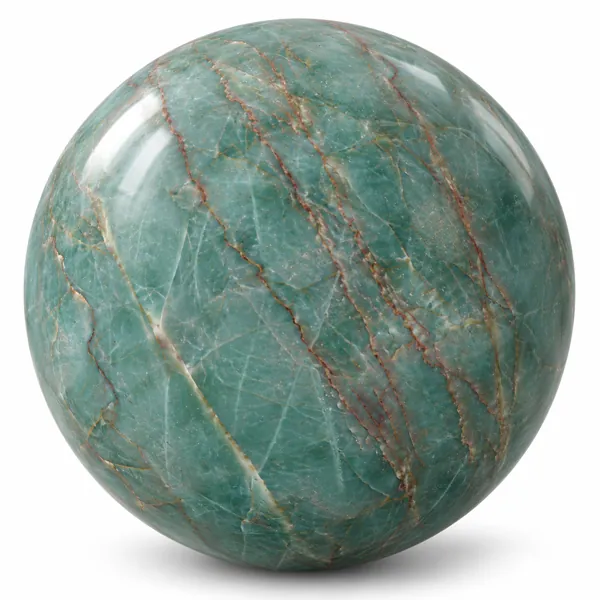
Turquoise Green Copper Vein Marble Texture
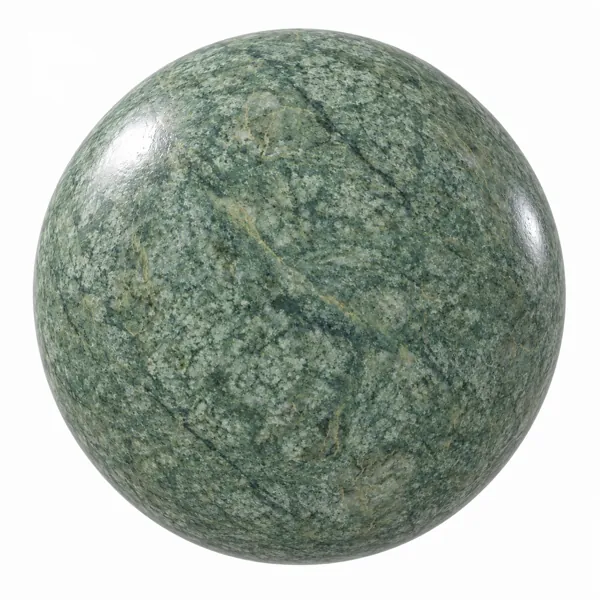
Soft Sage Green Fine Grain Marble Texture